Croatian eCrew integration
For Croatian fleet operators, Floatist has a direct API integration with eCrew, the Croatian crew-list system. Submit crew lists from Floatist; they still need to be finalized and confirmed on the eCrew side. To set it up, follow the steps below.
1. Enable eCrew integration
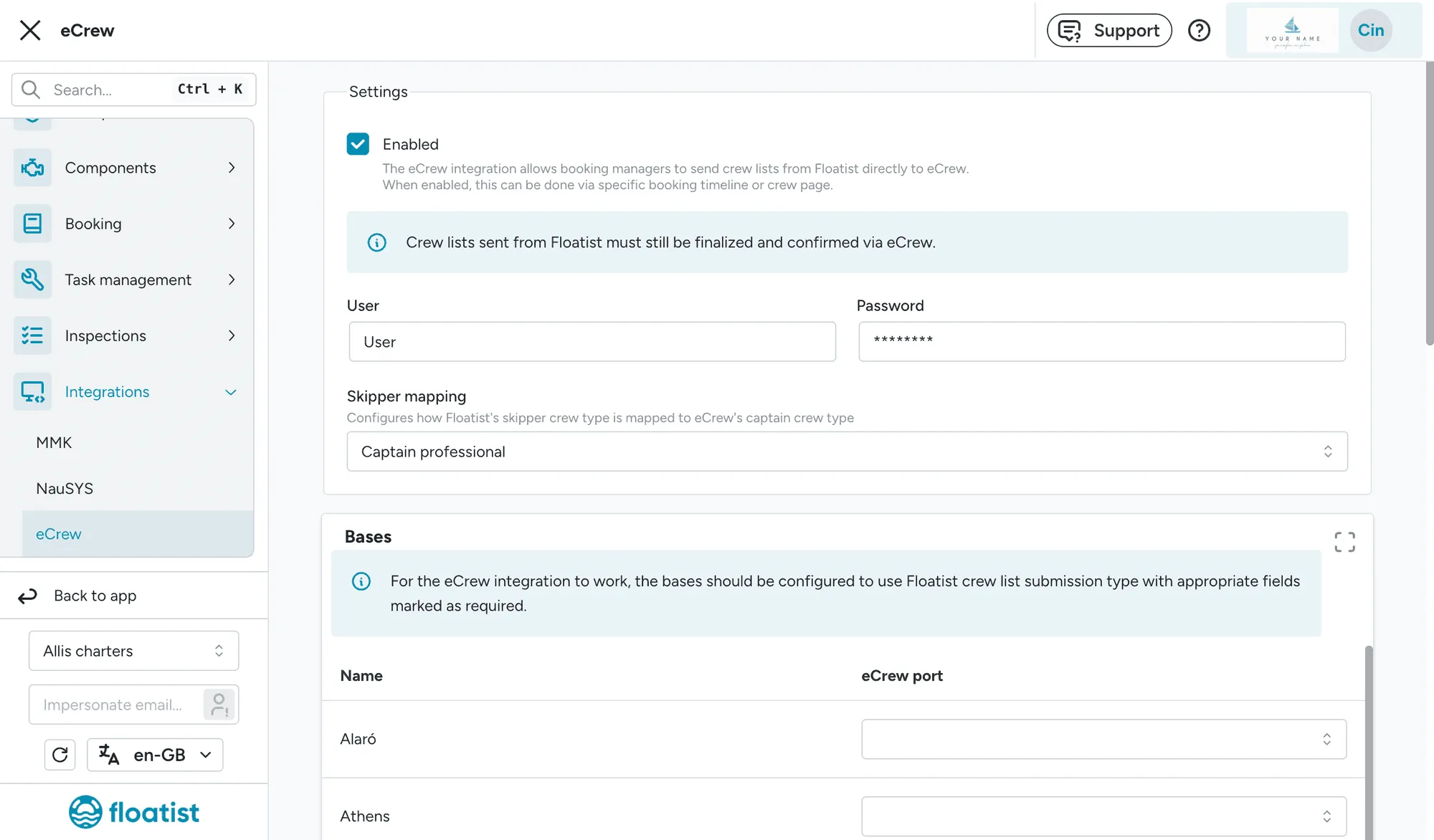
Section titled “1. Enable eCrew integration”Go to Settings > Integrations > eCrew and check the box “Enabled”. Fill in your eCrew username and password.
2. Match bases
Section titled “2. Match bases”Scroll down to the Bases section. For each of your bases, select the correct eCrew port from the dropdown menu.
3. Match boat names
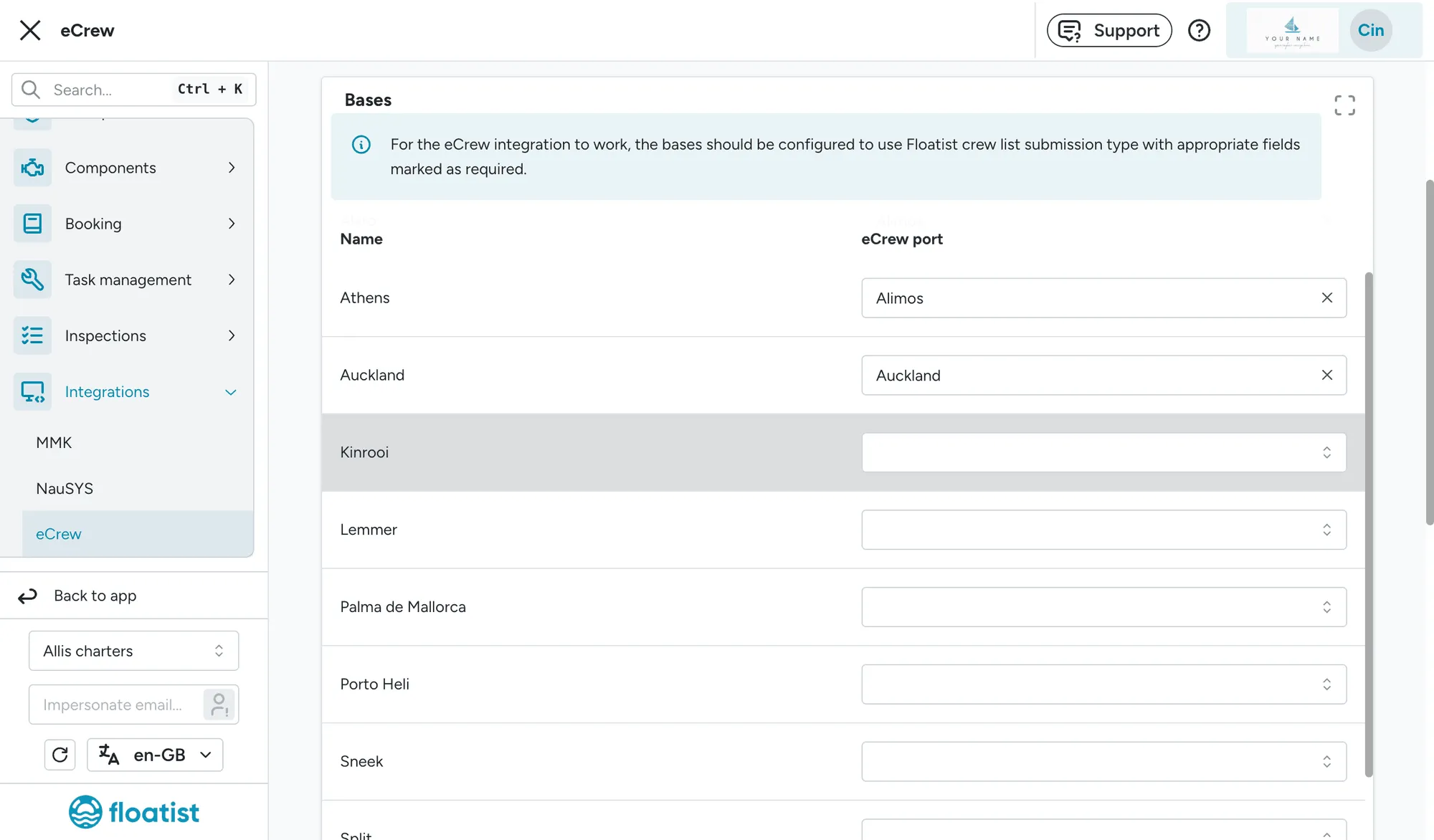
Section titled “3. Match boat names”Scroll further down to the Boats section. For each of your boats, fill in the eCrew name, so it exactly matches the name you are using in eCrew.
4. Edit base settings
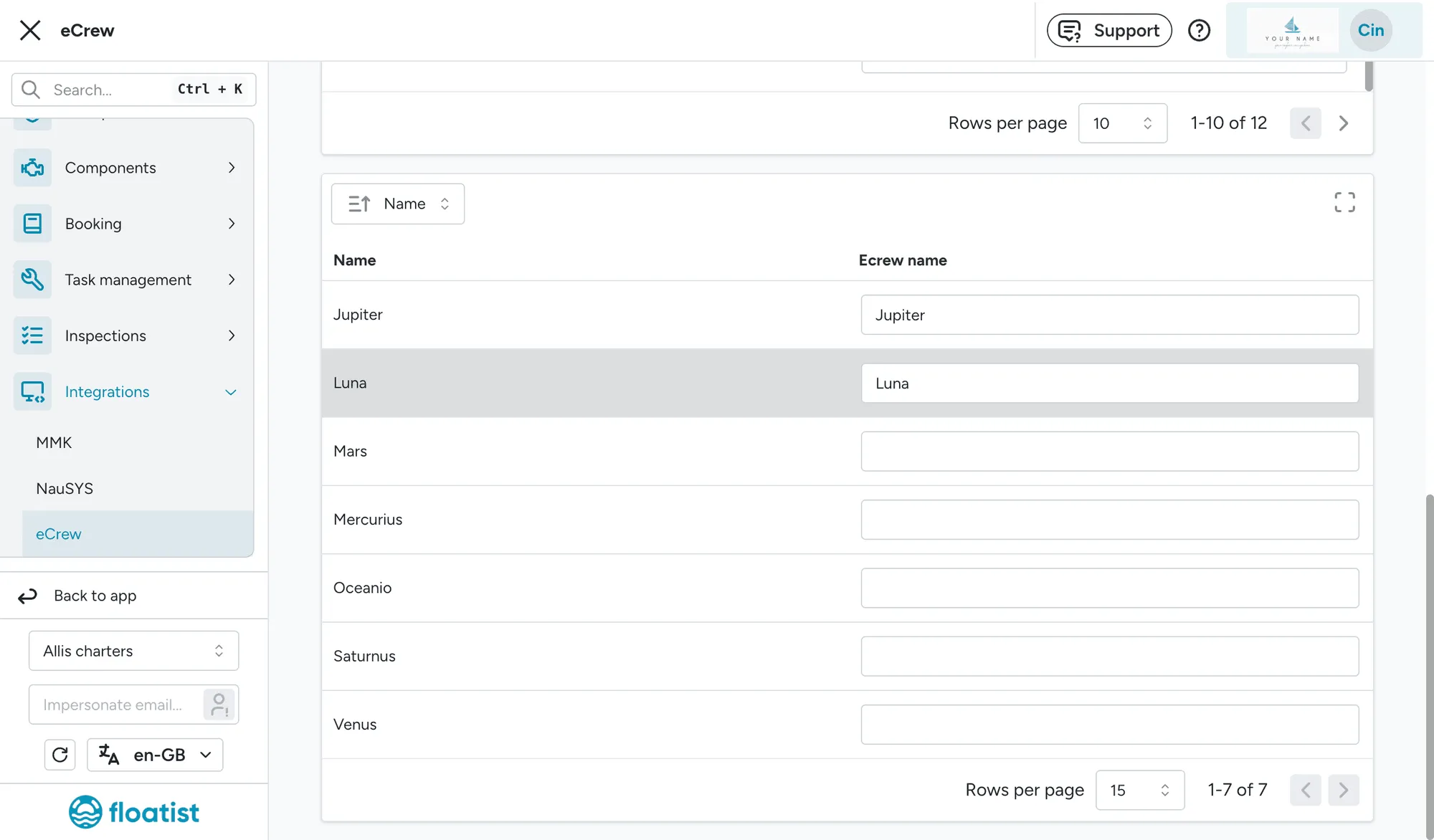
Section titled “4. Edit base settings”Go to Settings > Bases. For each of your bases, click the three dots on the rightmost column to edit the base, then scroll down to verify the crew list settings. Error messages will show if you have disabled a field that is obligatory in eCrew. Without these settings you will get an error trying to submit to eCrew.
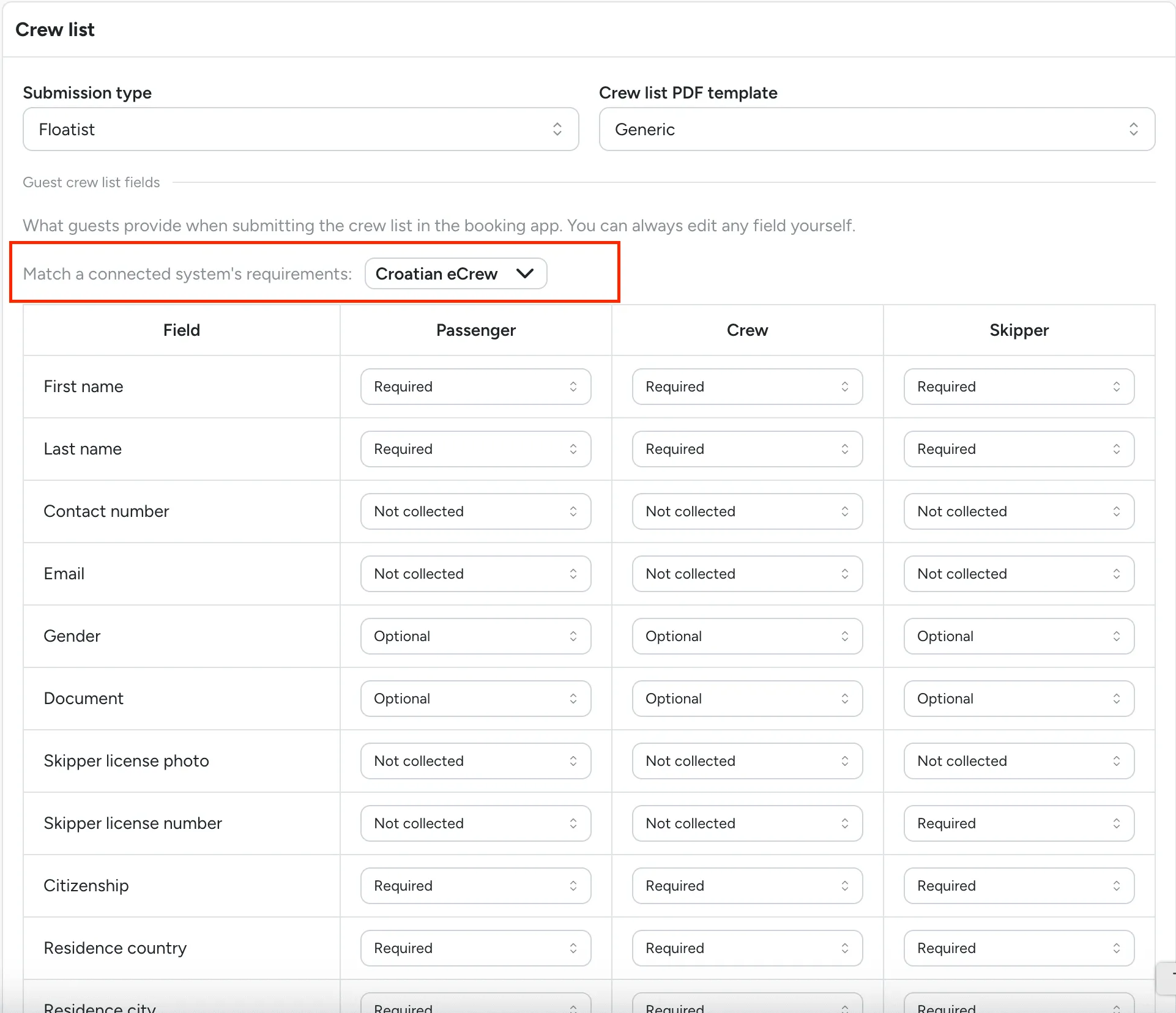
5. Send to eCrew
Section titled “5. Send to eCrew”Once a crew list is complete, you can send it to eCrew from two places on the booking:
- The Crew List tab: click Send to eCrew.
- The Timeline tab: click Send to eCrew from the crew list step.
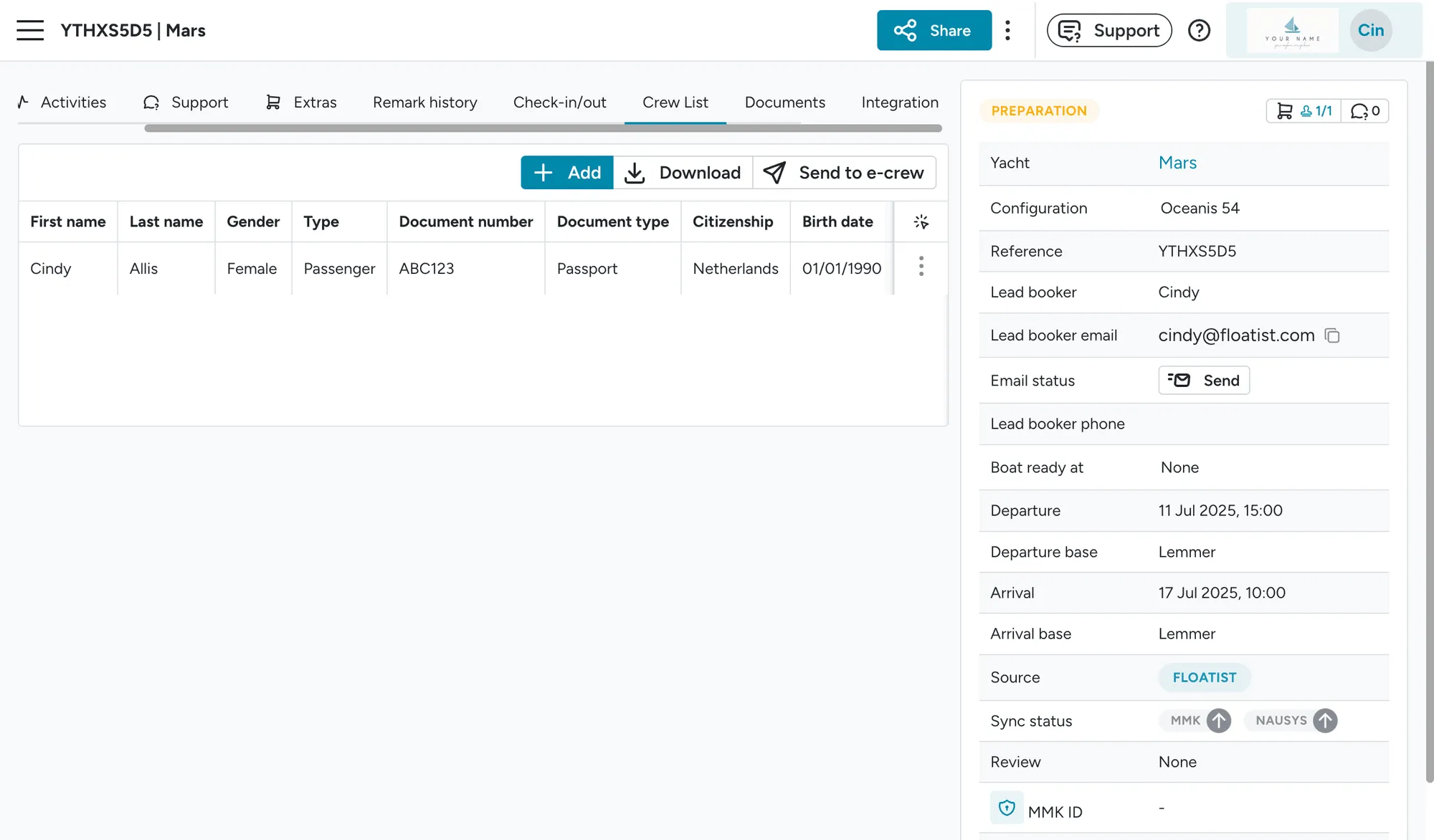
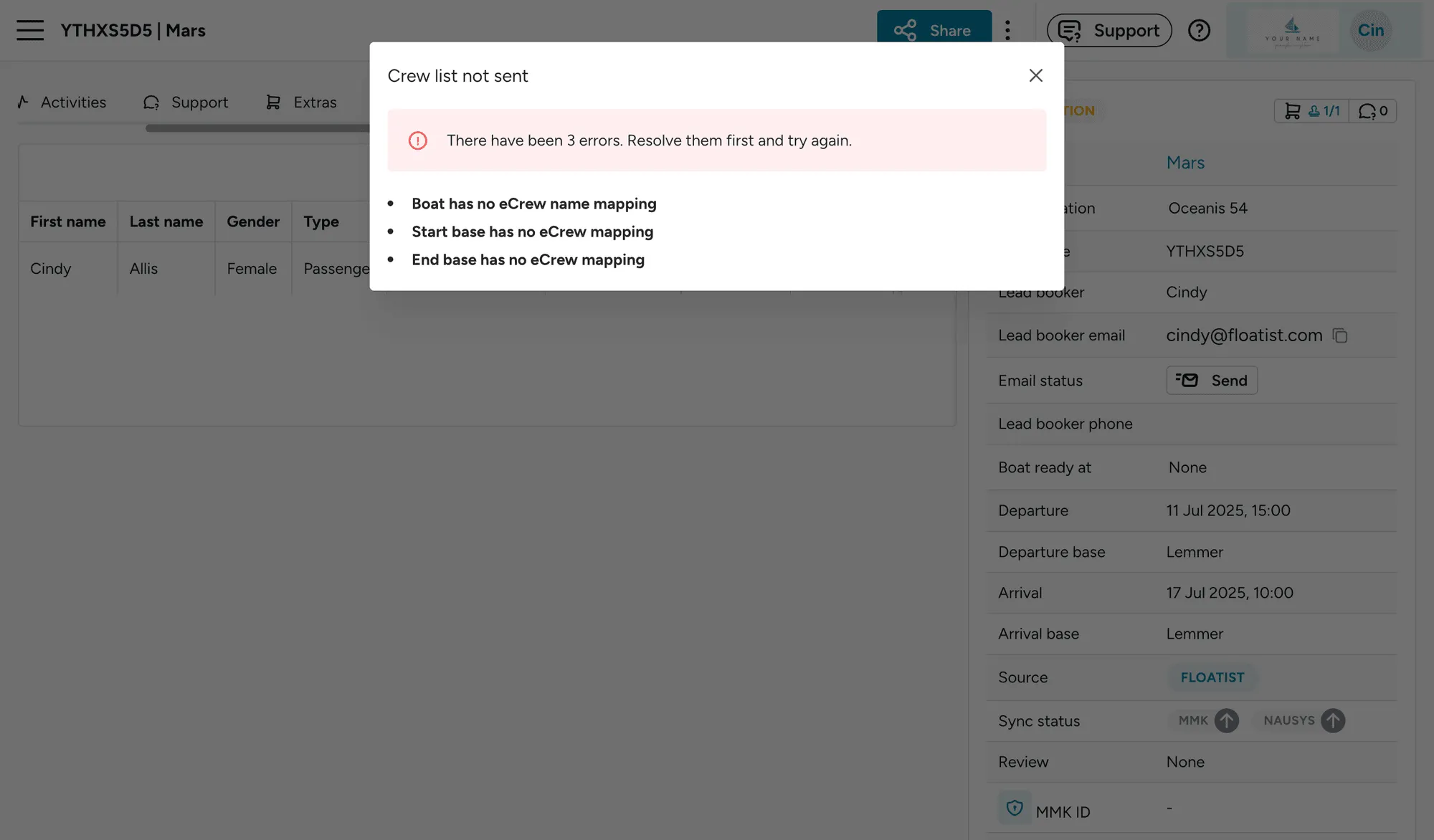
If something is wrong in your settings, we will show an error message which will help you to find out how to fix it.