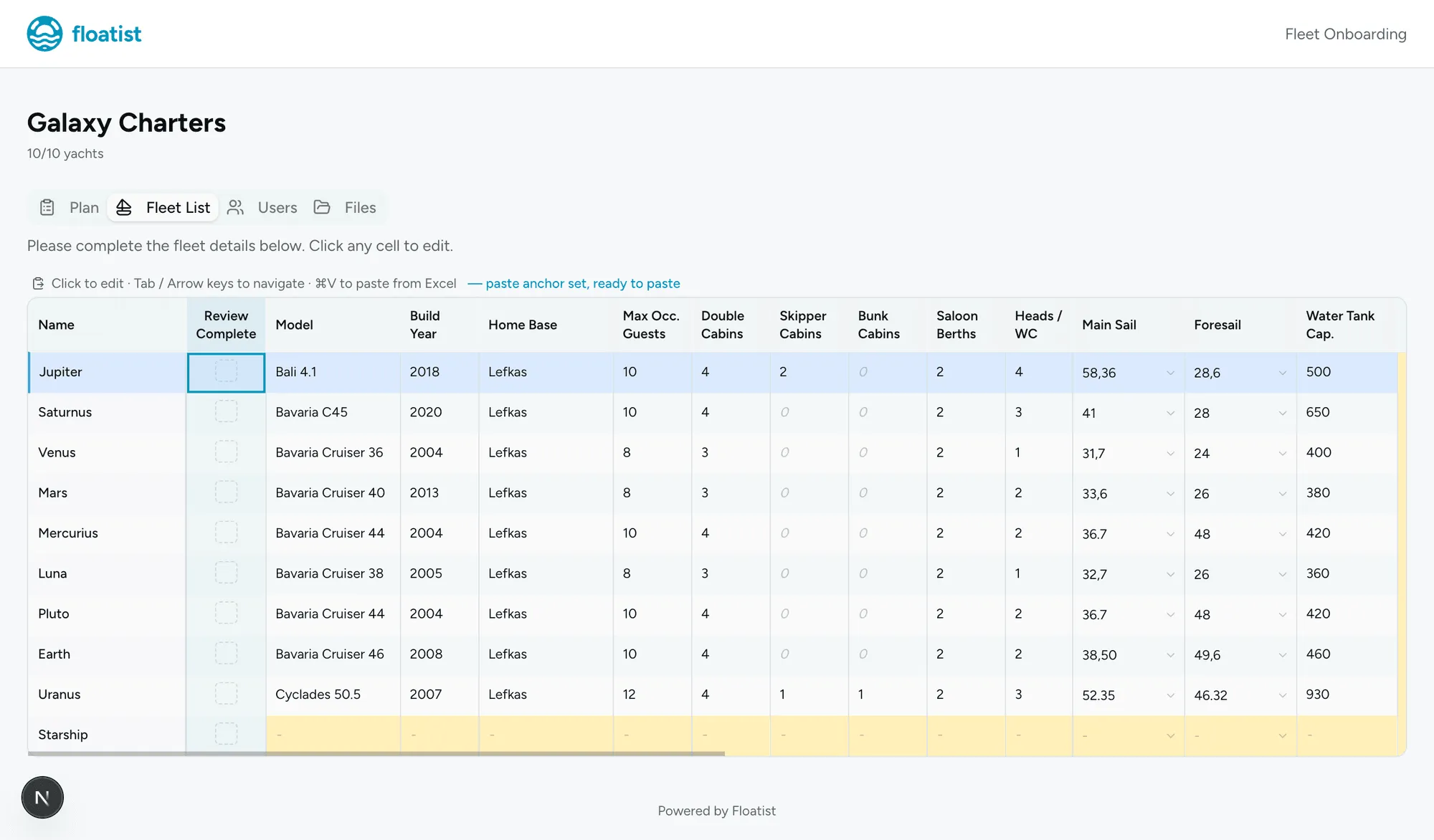
Review Configurations
After the Floatist team has set up your checklist configurations, it is essential you review them. The way we prefer you to do this is by going through the pre check-in process. This is a way for you to see the process from the charter guest’s point of view, and at the same time notify us of any errors in the checklist.
To do (per yacht)
Section titled “To do (per yacht)”- Create a dummy booking for the yacht (from Bookings > Calendar)
- Click on the booking. On the timeline, complete the first four steps:
Crew list,Repairs,Cleaning inside,Cleaning outside. This ensures the pre check-in will be available for the guest app.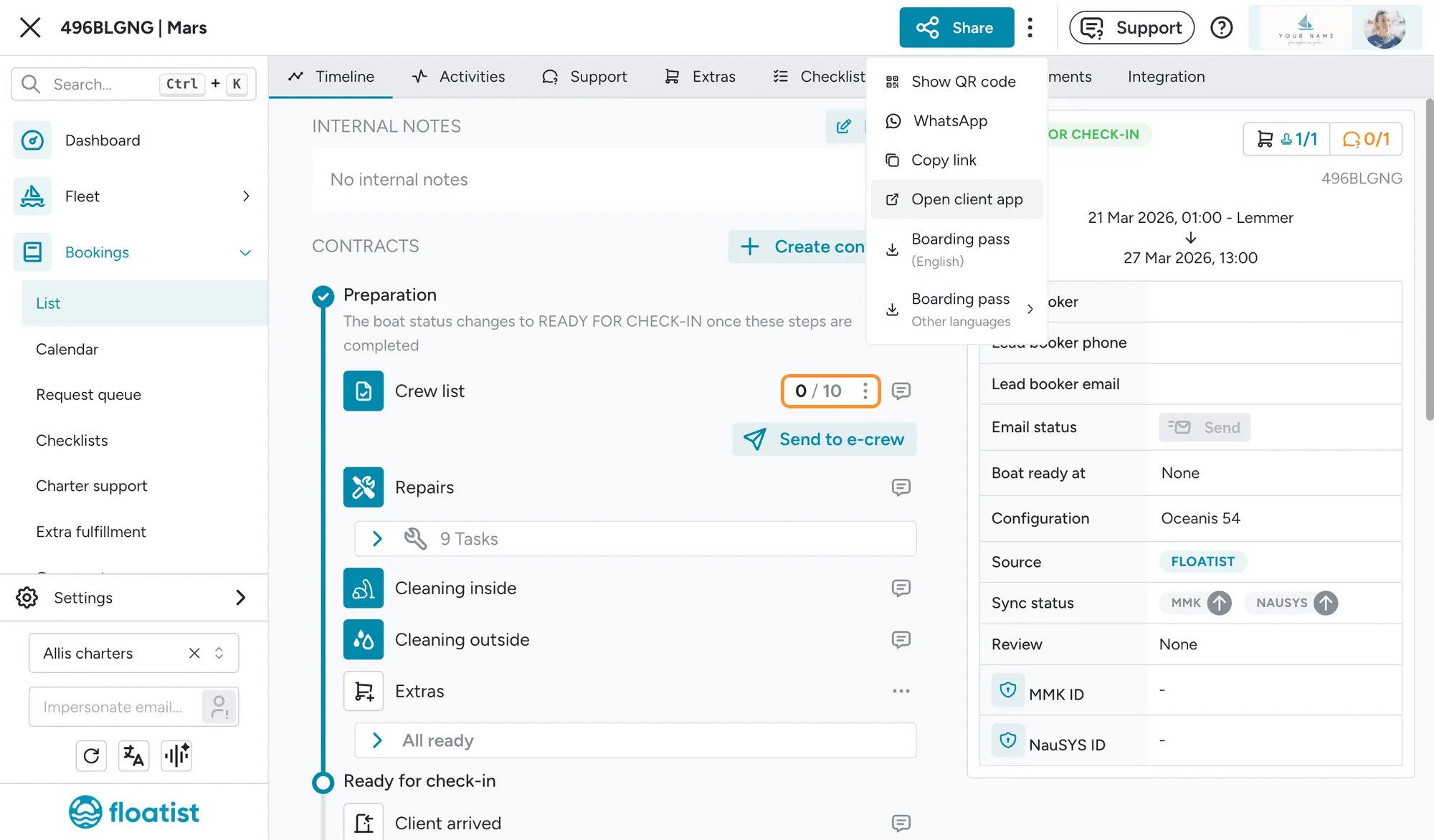
- Go to the guest app by clicking the blue
Sharebutton on the top of the booking detail page. ClickOpen client app. - On the client app, click
Start pre check-in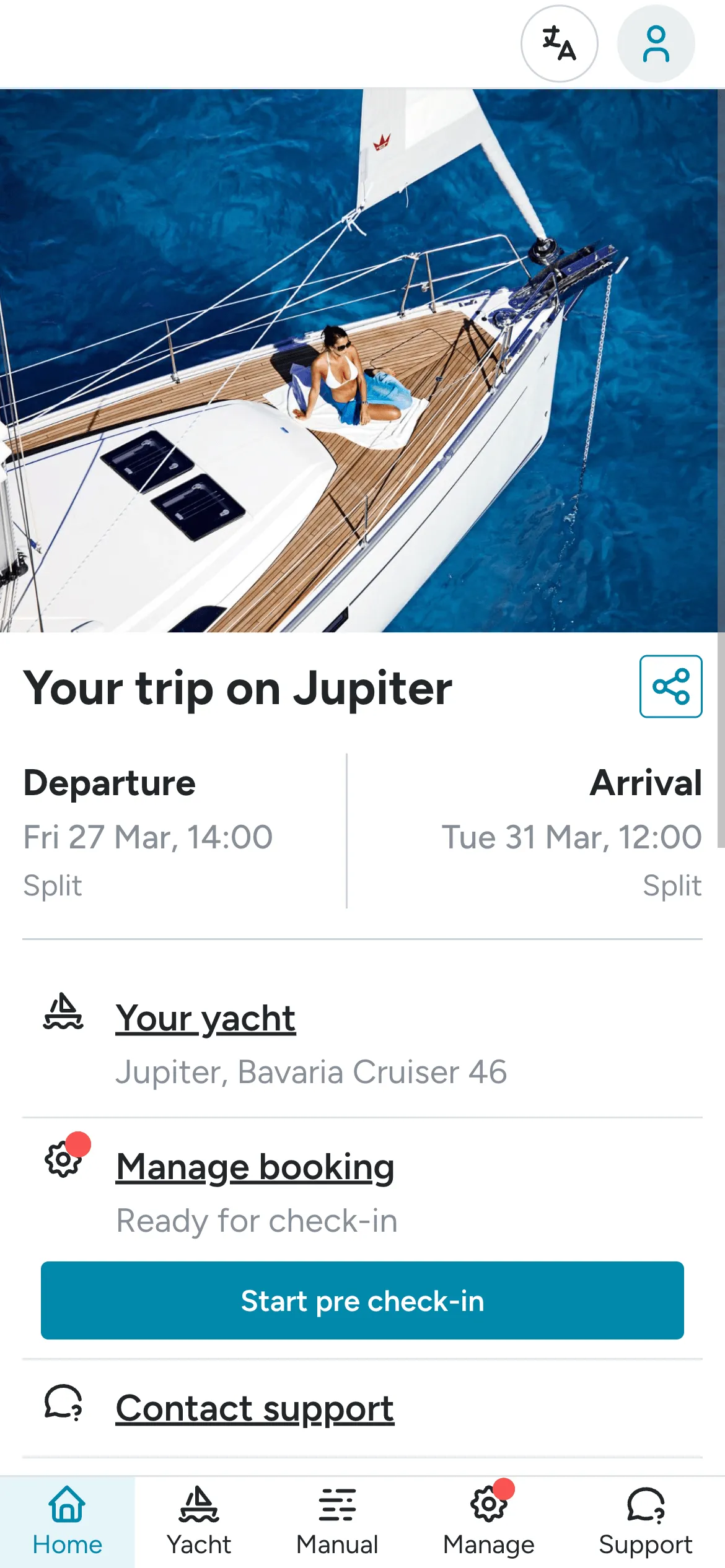
- On the pre check-in, go through the entire process. Review each item, and if anything needs to be
changed click
Not OK, and add your remarks there. If any images need to be changed, please add your image in the remarks panel as well.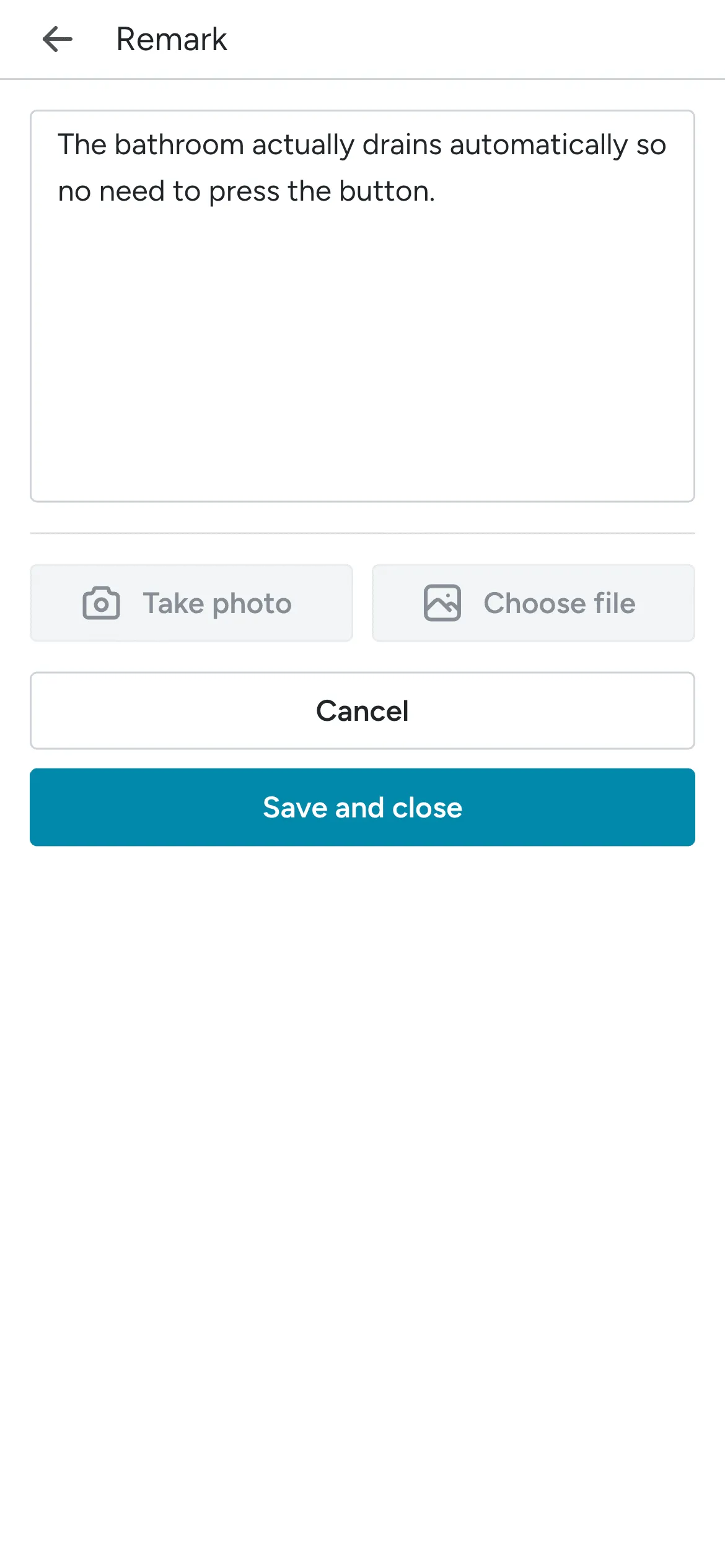
- Make sure to submit the checklist at the end
- Once done, go to the Onboarding Dashboard and in the Fleet list, check the
Review Completebox to notify us you have reviewed the yacht.