Emails
This page lists every email sent during the booking request process: who gets it, what triggers it, and what it contains. They’re all automatic; there’s nothing to set up. Payment emails are only sent if payments are enabled.
At a glance
Section titled “At a glance”| To | Sent when | |
|---|---|---|
| New booking request | Operator | A request is submitted. |
| We have received your request / Finish booking | Guest | A request is submitted. |
| Payment received | Guest | The guest’s payment succeeds. |
| Payment received (operator) | Operator | The guest’s payment succeeds. |
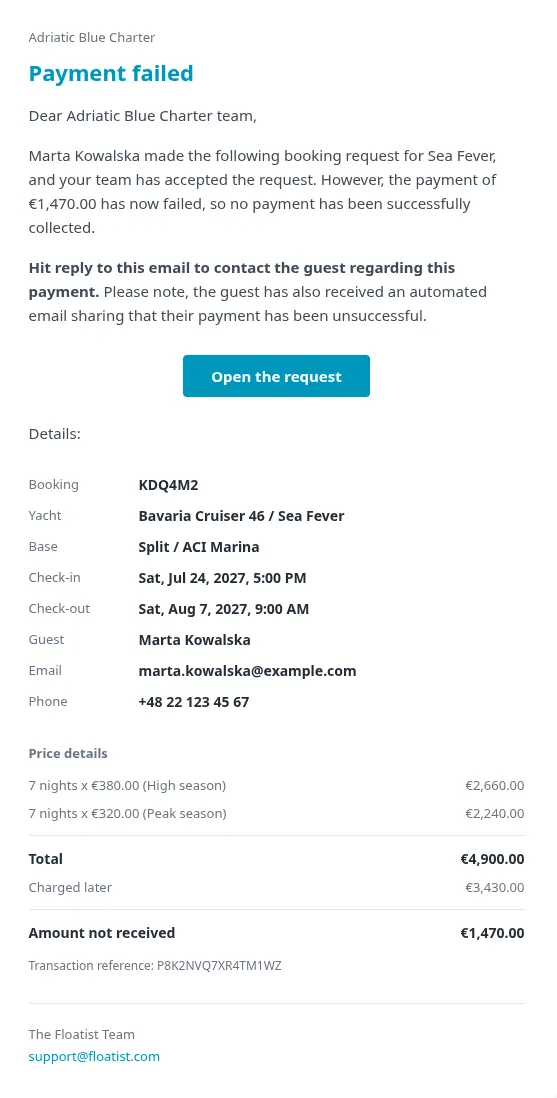
| Payment failed | Operator | Only if the request was already accepted, or a payment already succeeded is later reversed. |
Step 1: the request
Section titled “Step 1: the request”New booking request (operator)
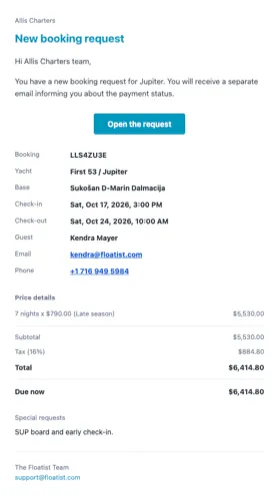
Section titled “New booking request (operator)”Sent to your support inbox the moment any request is submitted, whether by a guest online or by your team on the phone. Contains the boat, dates, nights, the guest’s name/email/phone, the price breakdown (when pricing is known), and any special requests they wrote in, plus a button straight into the request in Floatist. If a payment was started alongside the request, this email says so and notes that a separate email will follow once the payment status is known.
A push notification goes out in parallel, independent of whether this email sends. See Push notifications.
Request received (guest)
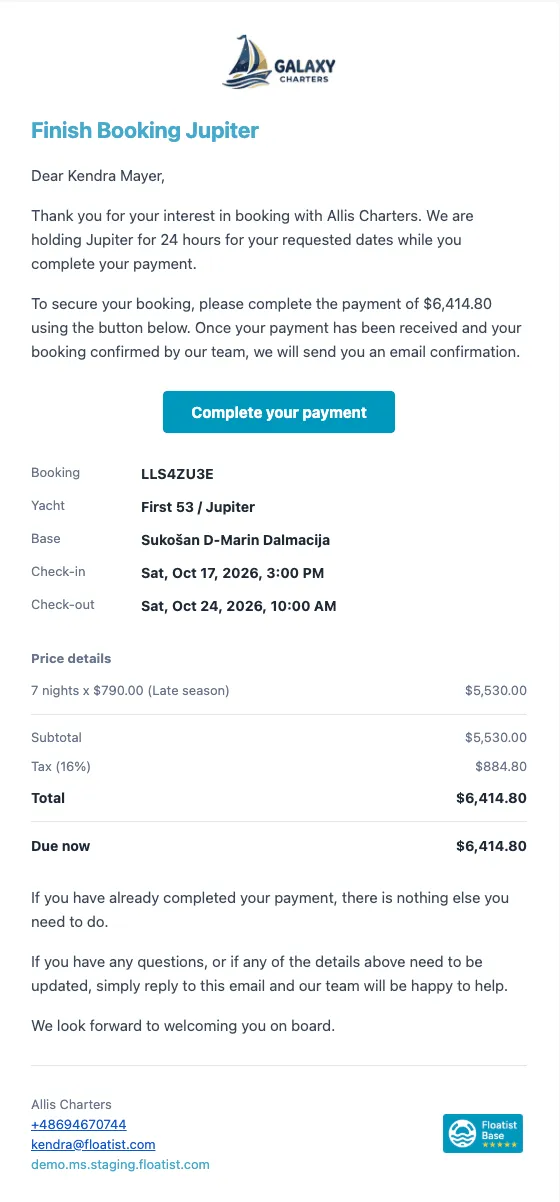
Section titled “Request received (guest)”Sent to the guest immediately after they submit. What it says depends on whether payment is part of this request:
- Payment enabled and price known: heading “Finish booking [boat].” Tells the guest their dates are held for 24 hours while they complete payment, states the amount due now, and includes a button to pay. Also says that once payment is received and the team confirms the booking, a separate confirmation email follows.
- Otherwise: heading “We have received your request.” Thanks the guest and says the team will review the details and be in touch to confirm availability and next steps, including payment.
Both versions include the full charter summary (boat, dates, price if known) and a button to the same confirmation page.
Step 2: payment
Section titled “Step 2: payment”These only apply when your account has online payments enabled. See Payments.
Payment received (guest)
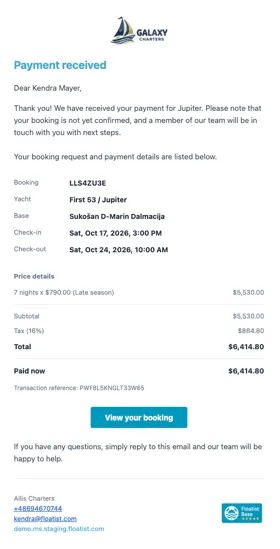
Section titled “Payment received (guest)”Sent to the guest as soon as their payment succeeds. Thanks them and includes the payment amount and reference, but is explicit that the booking itself is not yet confirmed. That still happens on your side, from the request queue.
Payment received (operator)
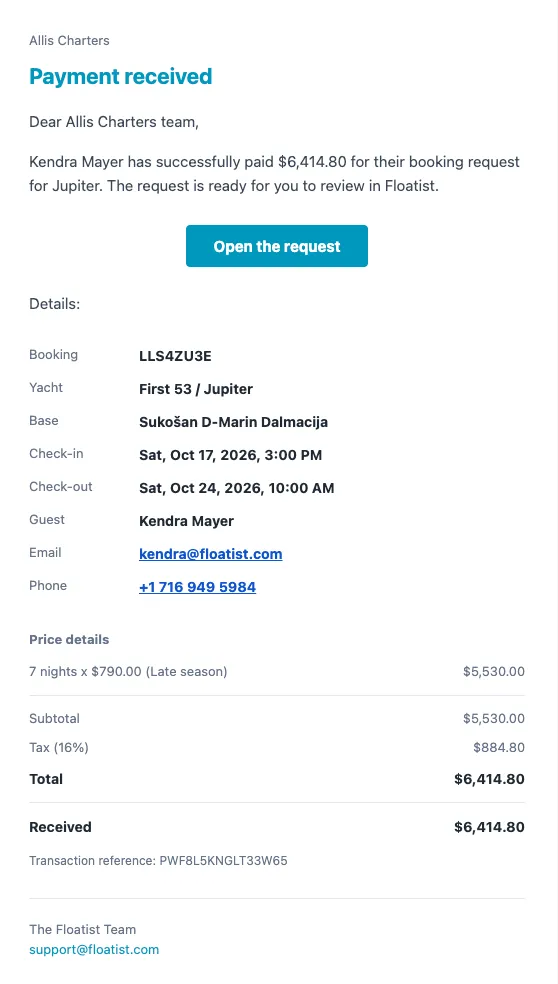
Section titled “Payment received (operator)”Sent to your support inbox as soon as a guest’s payment succeeds. This is usually your cue to go review and accept the request. If the request had already been archived by someone on your team, the heading and opening line change to flag that explicitly, asking you to confirm whether a refund is needed.
Payment failed (operator)
Section titled “Payment failed (operator)”Sent to your support inbox, but only in two situations:
- The request was already accepted before the payment failed: a booking is committed on your calendar with no payment behind it, which needs a person to look at it.
- A payment that had previously succeeded is later reversed.
A guest’s first failed attempt on a request nobody has accepted yet does not trigger this email. The guest already has their own retry email and can handle it themselves, so a routine declined card doesn’t add noise to your support inbox on a busy day.