Projects
Tasks can be grouped together under a Project (for example, Winter Maintenance of 2025). Projects will own all the tasks within, and deleting the project will automatically archive all the tasks within.
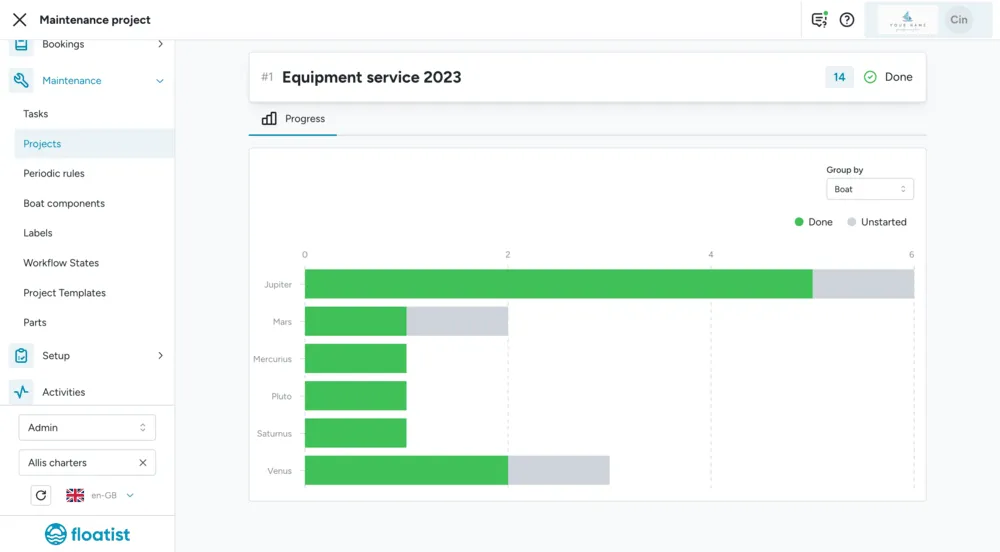
You can view the progress of each project grouped per boat or per assignee by clicking on a project to see its details.
Project templates
Section titled “Project templates”For recurring maintenance projects, such as the yearly off-season yacht maintenance, project templates allow you to create standardized sets of tasks that you can instantiate when you want to start the project.
This is for example convenient for tasks that you include in your winter season maintenance each year. You can of course make changes to your templates each year as your tasks evolve.
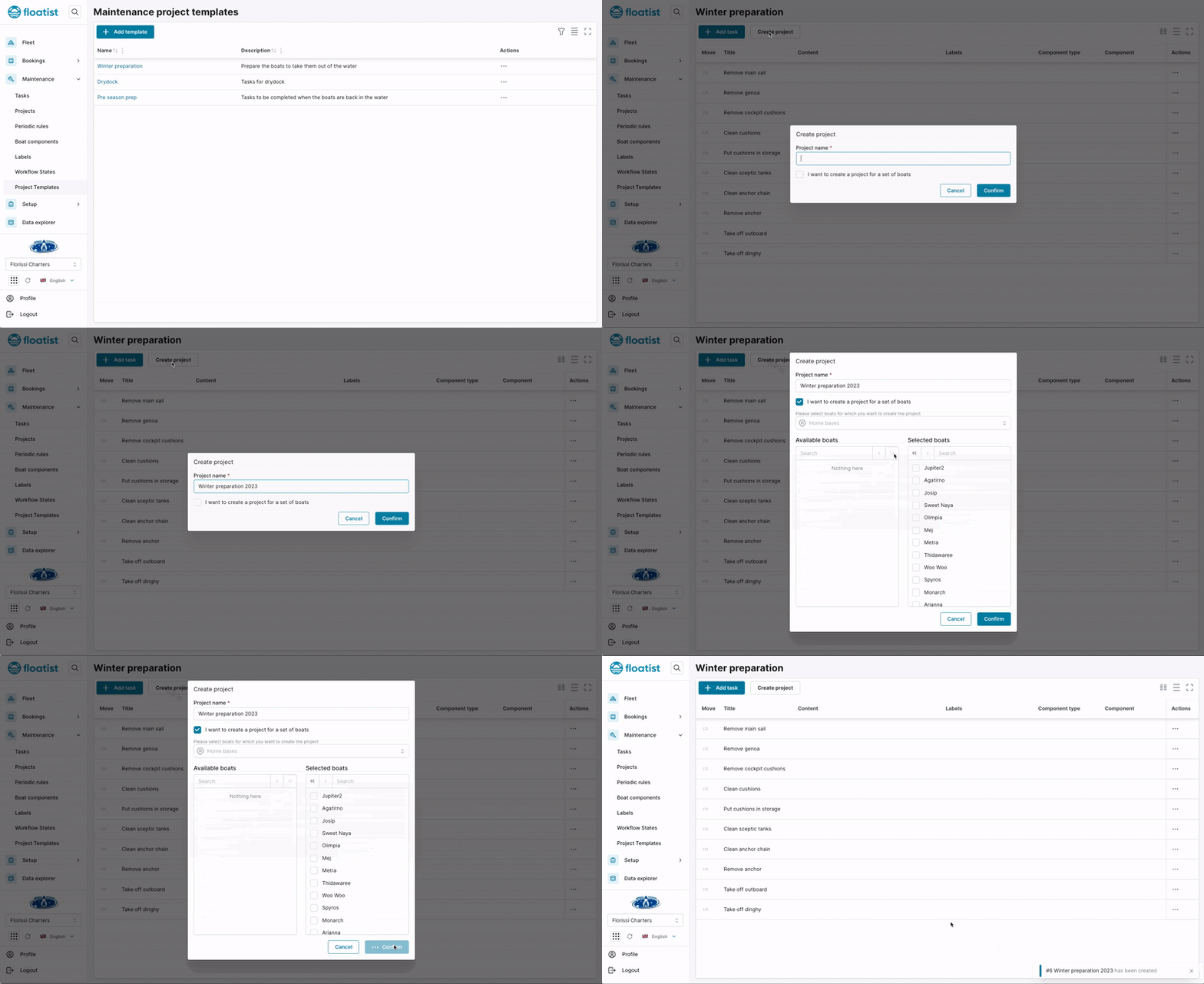
When you create a Project from a Project Template, it creates a task for each boat that you select on creating it, so if you have 10 tasks in your template and select 5 boats, you will create 50 tasks.
You can also filter the tasks that will be created per boat by specifying the component for which a certain task is meant.
For example, if you have a task Change the filter of the watermaker, you only want this task to be
created for boats that actually do have a watermaker. You can do so by specifying Watermaker
in the Component type field, and then that task will only be created for all boats selected when
creating the project, that have this component type linked to them.
Note that for this functionality to work properly, your boat needs to have a Watermaker Component assigned to it. For more info on how to assign Components to boats, refer to Components.
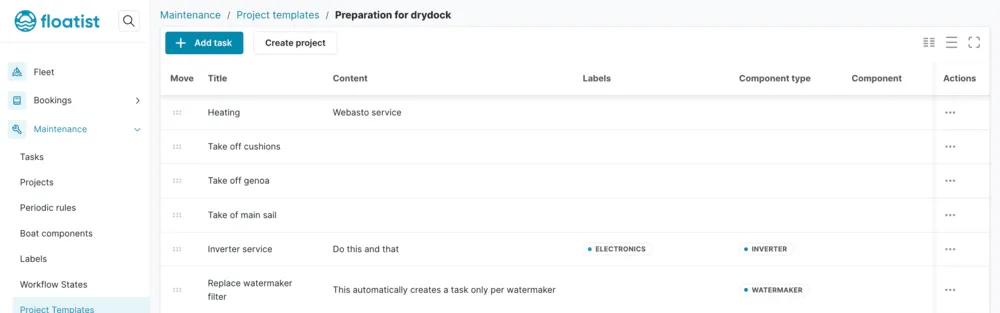
You can create a maintenance project template at Settings > Task management > Project templates > Add Template.